App updates2 min read
Share a Chaos Experiment as an Image: Send Your Double Pendulum to a Friend
Ran a beautiful double pendulum and want to share the chaos experiment as an image? PerturbLab 1.2.0 turns the picture and the settings that made it into one card — tap share above the running experiment.
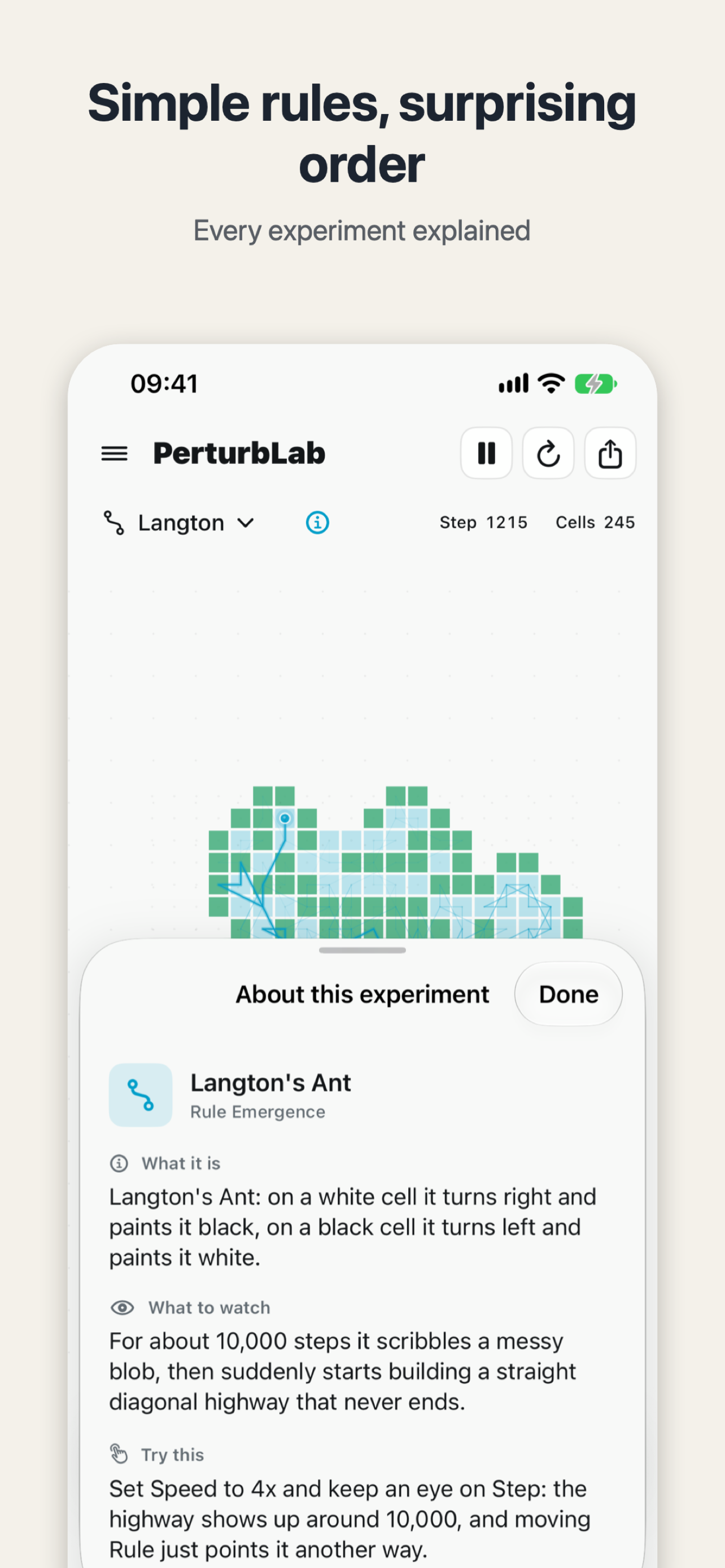
Open PerturbLab, start the double pendulum, and watch two trails leave the same starting point together — then slowly drift apart, each going its own way. You catch yourself thinking: I wish I could send this moment to someone. That is exactly what the new share card in PerturbLab 1.2.0 is for — it lets you share a chaos experiment as an image, settings and all.
In short: PerturbLab 1.2.0 adds a share card. The share button sits right above the running experiment, and also in the controls drawer. Tap it, and the current picture — together with the settings that produced it — becomes one clean image, ready for a chat or a social post.
What is on the card?
Three things: the plot of the experiment, the settings that made it, and the PerturbLab name. Whoever receives it does not have to guess how the picture came about — the settings are printed on it. And every run in PerturbLab can be reproduced exactly from its seed, so a friend can run the same settings on their own phone and get the same picture. A teacher can send the exact setup to a class, and a student can pass a striking pattern to a friend without having to describe every slider they touched.
How do I share the experiment I am running?
First run the experiment to the moment you want: nudge the perturbation slider, stretch the trail, or switch presets — Calm, Chaotic, Dramatic — and speed runs from 0.25x to 4x. When the picture looks right, tap the share button above the experiment and the card is done. No screenshot, no cropping, no typing out the settings afterwards.
The same idea — turning one moment into a card and sharing it — is also behind Restful Scripture's Share a Bible Verse as a Card: Send Tonight's Verse to Someone You Love. That one is about sending a verse heard at bedtime, with its reference, as a quiet night-style card. Same instinct: share only the part worth sharing.
What else changed in 1.2.0?
One small change: the rating request no longer appears right away — it waits until you have used PerturbLab over a few days. PerturbLab 1.2.0 arrived on 27 October 2026. It is free, offline, with no ads and no account, and all 176 experiments run on your device.
Try it tonight: open PerturbLab, run the double pendulum once, and when the two trails split apart, tap share and send it to the friend who likes watching these patterns too.

PerturbLab
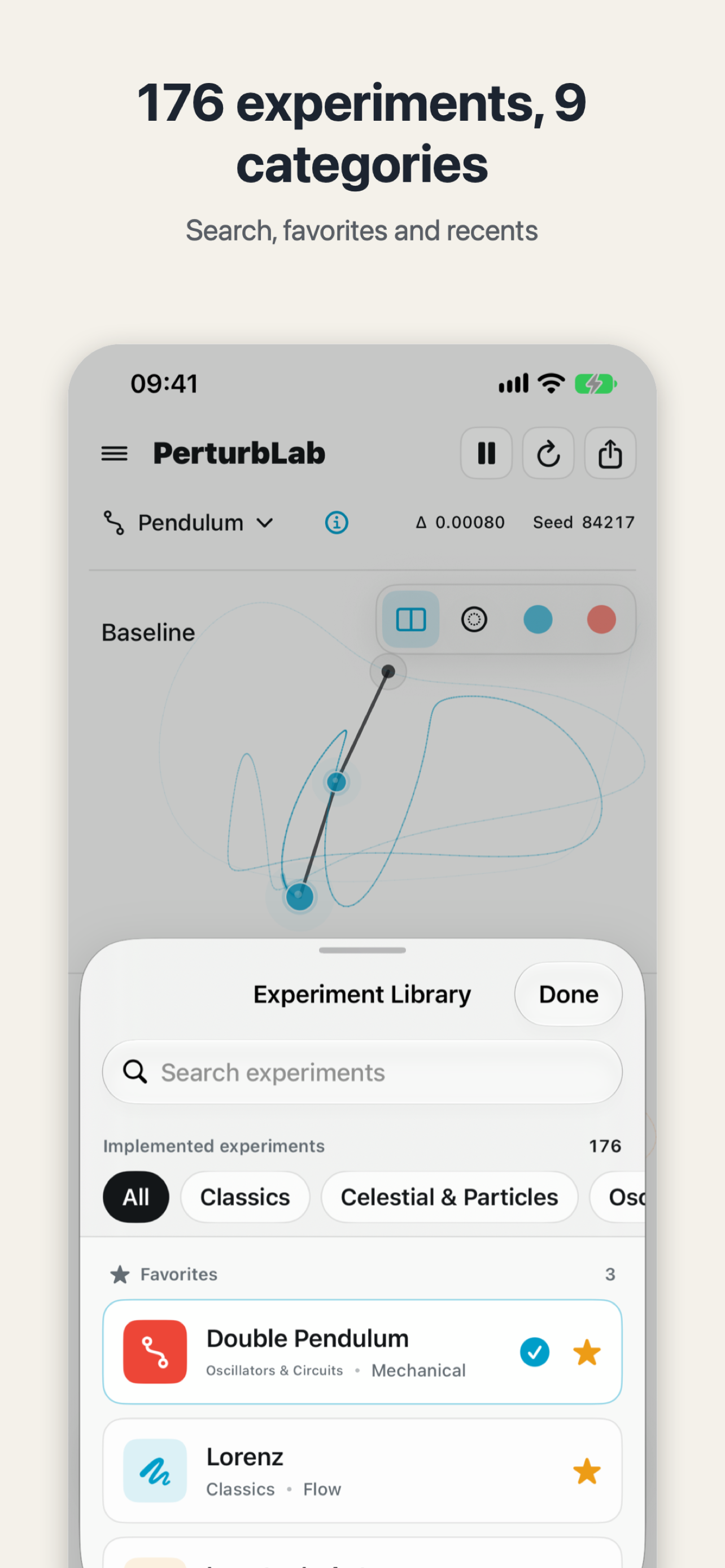
See how a tiny change grows into a different world: 176 chaos and physics experiments running live.

 Scan with your iPhone