App updates2 min read
Share a Bible Verse as a Card: Send Tonight's Verse to Someone You Love
A verse lands while you're falling asleep and you want to send it to someone — Restful Scripture 1.2 turns the verse being read into a calm night-style card with its reference, ready to share.
It's late. Headphones in, a chapter of Psalms is playing, and one line lands exactly where you are tonight. You want to send it to your mum, or to a friend having a hard week — but copy and paste strips the reference and the quiet along with it. That is the moment the new "share a bible verse as a card" feature is for: in Restful Scripture 1.2, tap the share button on the player and the verse being read becomes a calm, night-style card, reference included.
Restful Scripture 1.2 was released on 27 October 2026. The update is simple: while a chapter plays, tap share on the player and the verse being read is turned into a night-style card with its reference — book, chapter and verse — ready to send to family or friends.
What is on the verse card?
Just two things: the verse, and where it comes from — the book, the chapter, the verse. No extra words, no reading history. The card itself stays quiet: a dark, night-style design that matches the hour, with just the words and their reference — nothing on it competing for attention. Whoever receives it can see at a glance where the words come from, and turn to that chapter themselves if they want to read on.
How do you share the verse you are hearing?
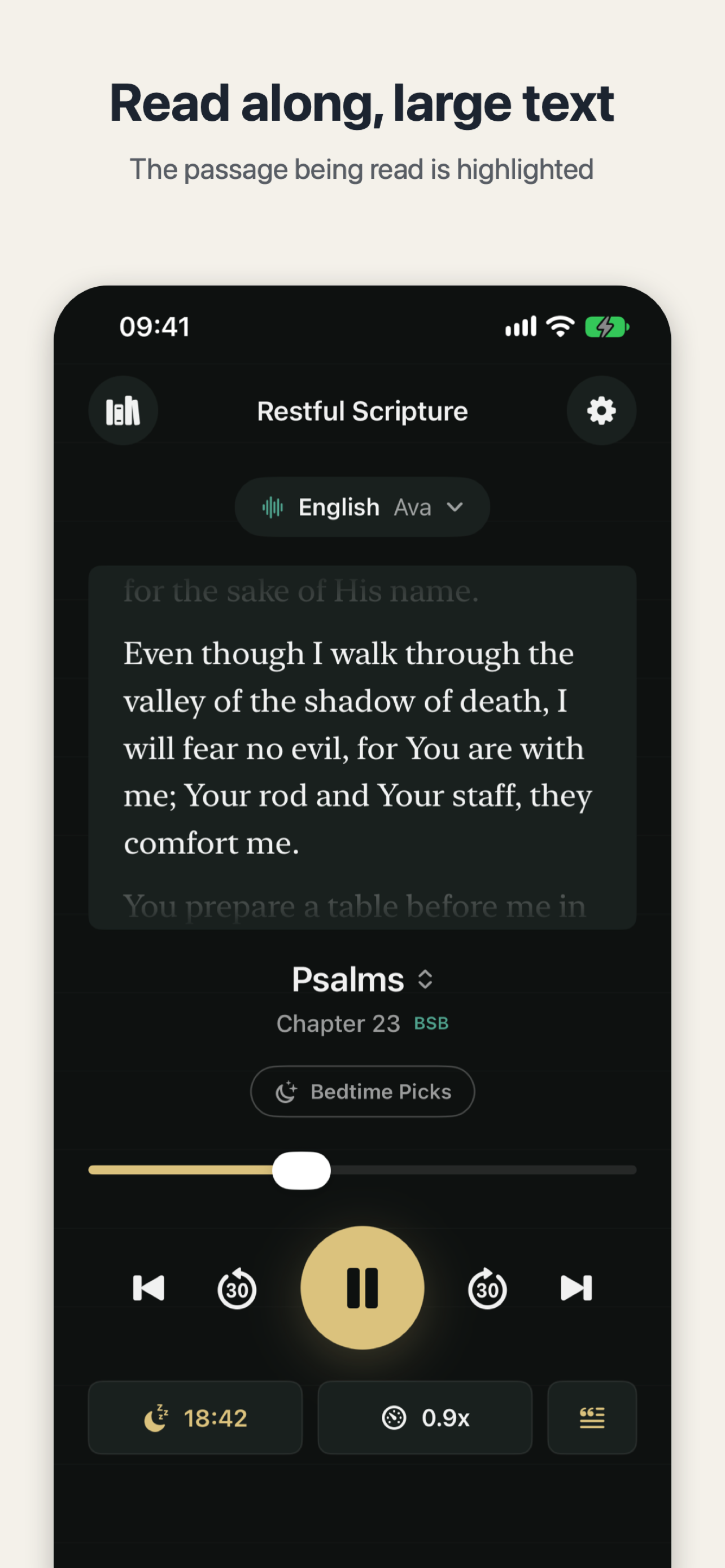
Listen the way you always do: pick a chapter, or tap Tonight to continue; set the timer, lock the screen, and the narration fades out and stops on its own. When a verse lands, you don't have to pause or remember the reference — tap share on the player and the card is the verse being read right now. Because the card is made from the verse being read at that moment, there is nothing to type out and no reference to look up afterwards. Send it to family, drop it in the family group chat, or keep it on your phone for yourself.
The same idea — turn a moment into a card and share only the part worth sharing — is behind RepayMemo's paid off debt card that marks the moment without showing amounts, which turns paying off a loan into a keepsake card for family.
What else changed in 1.2?
One small change: the rating request no longer appears right away — it waits until you have used the app for a few nights. Your reading position and settings carry over, so after updating, tonight's chapter is still waiting where you left it.
Tonight, open Restful Scripture and listen to tonight's chapter. When a verse lands, make it a card and send it to the person you were thinking of.

Restful Scripture
Fall asleep to Scripture: the whole Bible read aloud in English, Mandarin or Cantonese.

 Scan with your iPhone