App updates2 min read
Share Your Paid Off Debt Card: A Keepsake Without Amounts
Just paid off a debt and want to tell family without showing amounts or account names? RepayMemo 1.2.0's Paid off card shows only how many debts you cleared and how many months it took.
The day the last payment clears, a loan you have carried for years finally reads zero. You want to tell your family, but you do not want to send a screenshot of a statement — the amounts and account names are right there, and a statement tells them everything you do not want to share: the balance, the lender, the account. RepayMemo 1.2.0 has a small answer for that moment: a "Paid off" card you can share that shows only how many debts you have cleared and how many months it took, nothing else.
What does the paid off card show?
Just two numbers: how many debts you have cleared, and how many months it took to clear them. No amounts, no account names. The count is the road you walked; the months are the time you stuck with it. Those two numbers say enough about what it took, and they give away nothing private. That is the whole point of the design: the card is a milestone, not a statement. It celebrates the finish line without opening the books.
When does the card appear?
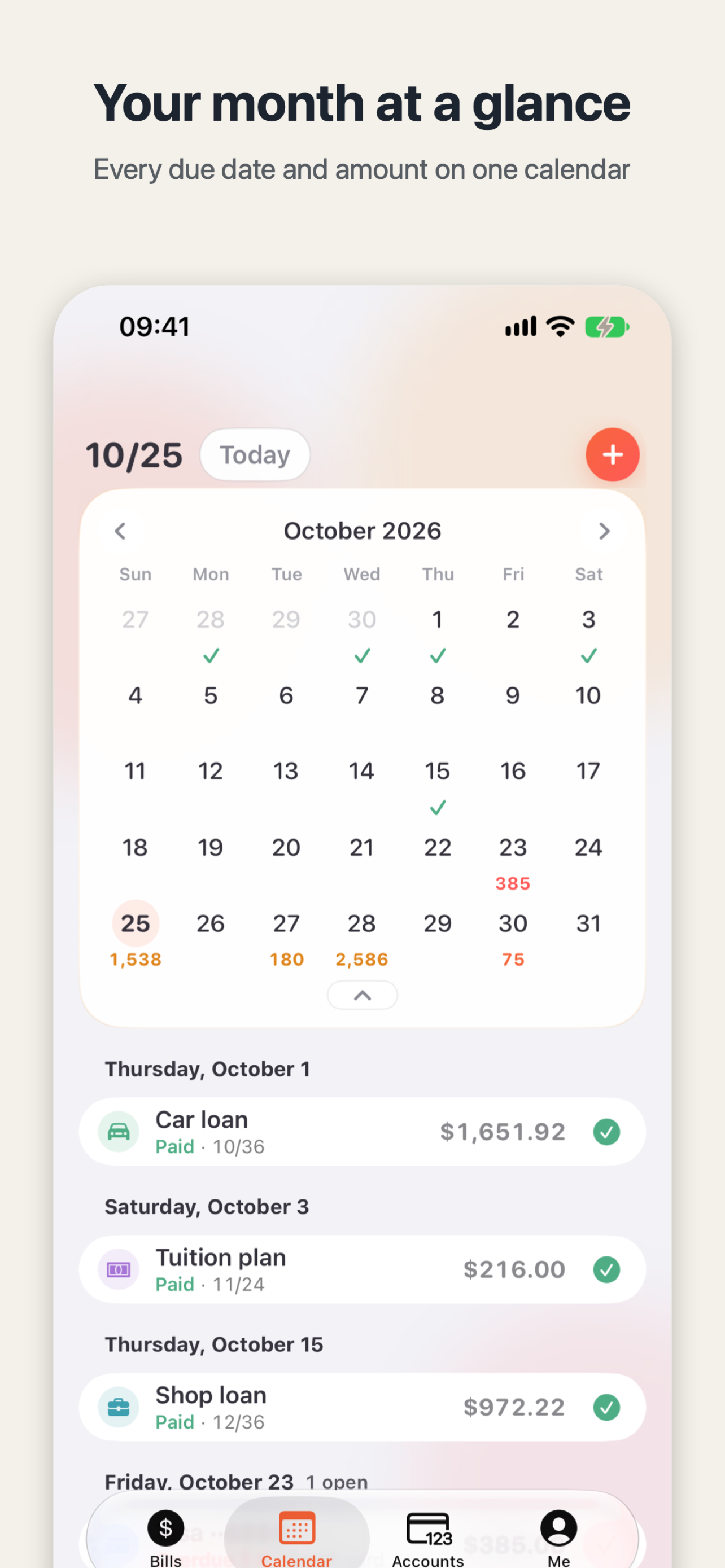
Mark the last bill as paid — from Bills, Calendar, or Accounts — and the card opens right there. You do not have to go looking for it; it shows up at the moment you finish. It does not matter which of the three places you finish in — all three lead to the same card. Every payment before was one step forward; this one, the app pauses to mark.
How do you share it?
The card is ready to share: send it to family, or drop it in the family group chat. Whoever receives it sees only how many debts you cleared and how long it took — never how much you owed or to whom. If you would rather keep it quiet, keep the card on your phone as a keepsake for yourself.
The same idea — share the result, not the private details — is behind NextPath's mock exam result card you can share with family without leaking personal information, which turns a practice exam score into a card for family.
After the card, a glance at what is left
Back on the overview, you can still see what is left and your projected debt-free date. The calendar still shows what is due on each coming day, and the next seven days stay in view, so the rest of the plan is never out of sight. RepayMemo does not make decisions for you — it keeps the ledger straight: what is due today, what is left this month, and when you will be debt-free. One debt down, and the next card will come in its own time.
Tonight, open RepayMemo and look at the overview: how many debts are left, and when the debt-free date falls. The next time one hits zero, watch for the card.

RepayMemo
Every loan, card and pay-later in one private ledger. See what is due today and when you will be debt-free.

 Scan with your iPhone