App updates3 min read
How to Read Your First BaZi Chart: MingJing 1.4 Makes the First Step Easy
Opened a BaZi chart app and faced a wall of stems and branches? MingJing 1.4 makes the first step smaller: a four-field profile, plain-words explanations on tap, and readings that say what to read first.
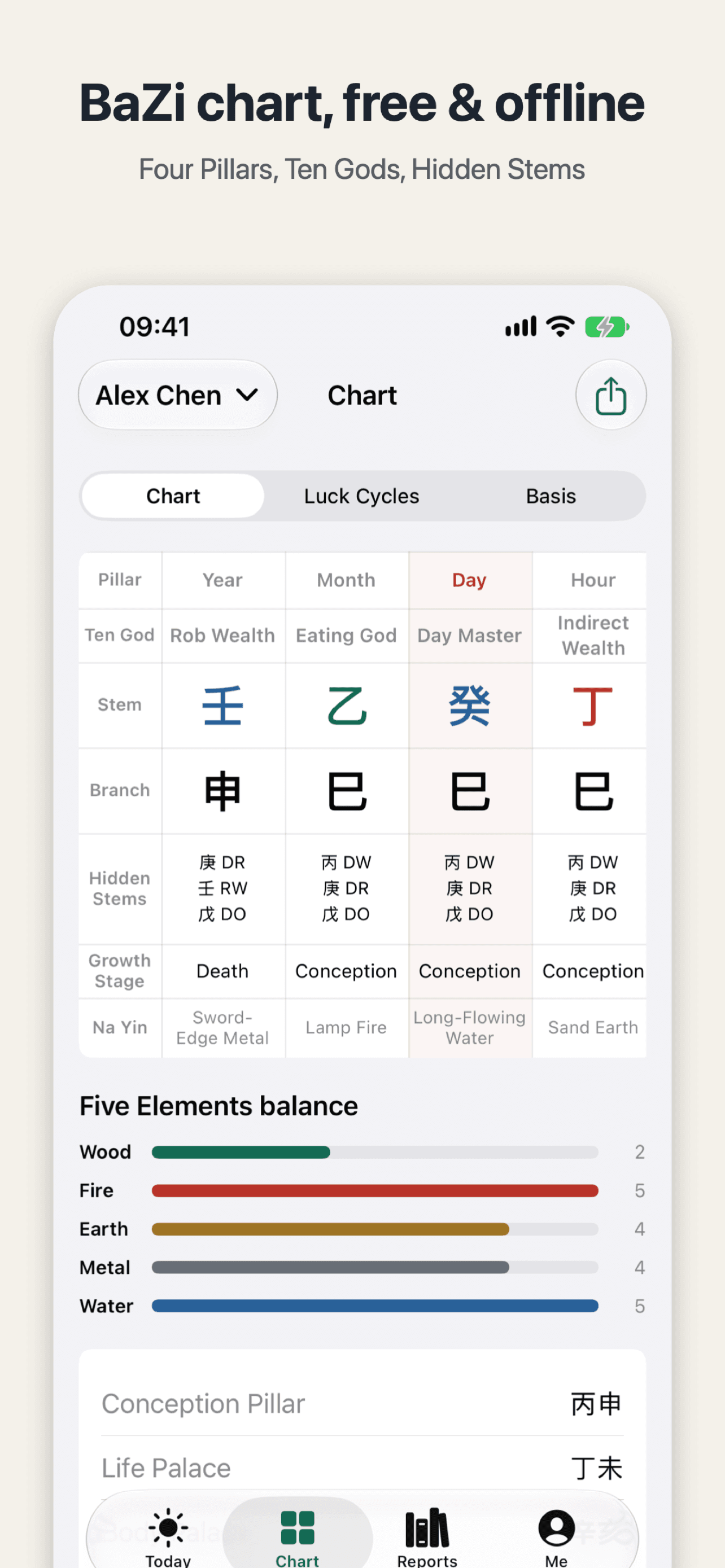
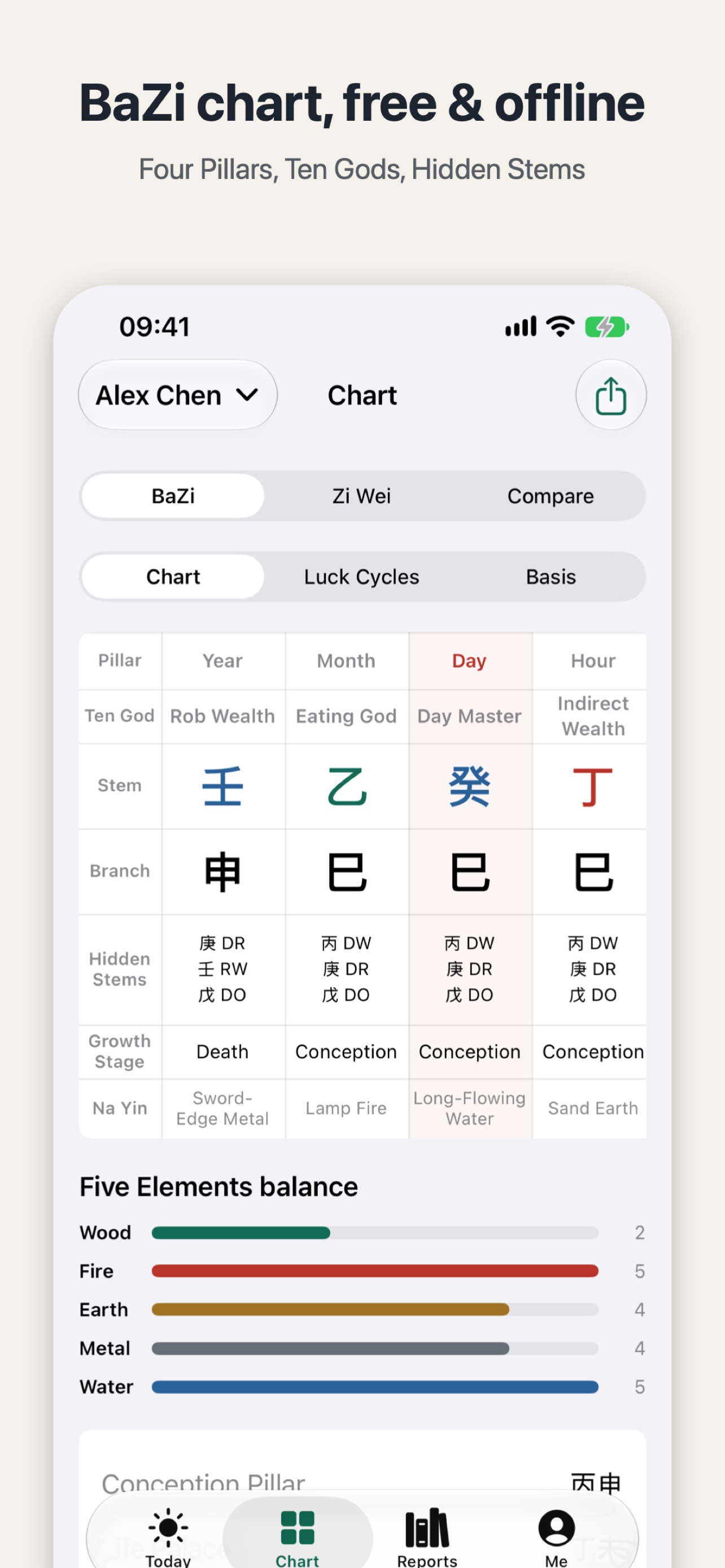
Open MingJing for the first time and the chart is already there: year pillar Ren Shen, month Yi Si, day Gui Si, hour Ding Si, with Rob Wealth, Eating God, Day Master and Indirect Wealth beside them, then hidden stems, growth stages and Na Yin below. You can read every character and still not know which box to look at first — that is the hard part of how to read your first BaZi chart, and it is what MingJing 1.4, out on 15 November, sets out to fix. It adds no new feature; it makes the first step smaller.
In short, 1.4 does three things: a new profile asks only for a name, birth date and time, and city; tapping any pillar explains its stem, branch and ten god in plain words; and the readings page marks what is new, suggests what to read first, and gives each reading's length. The charting rules have not changed — what changed is that someone meets you at the door.
Start with a profile: four things
A new profile in 1.4 asks for four things: name, birth date, birth time, and city. Place, time zone, true solar time and the rest now sit under Advanced, with a one-line summary. Pick from 418 cities and the time zone and longitude fill in on their own, with true solar time worked out from the longitude. Births outside China work the same way, with solar terms compared by the exact instant.
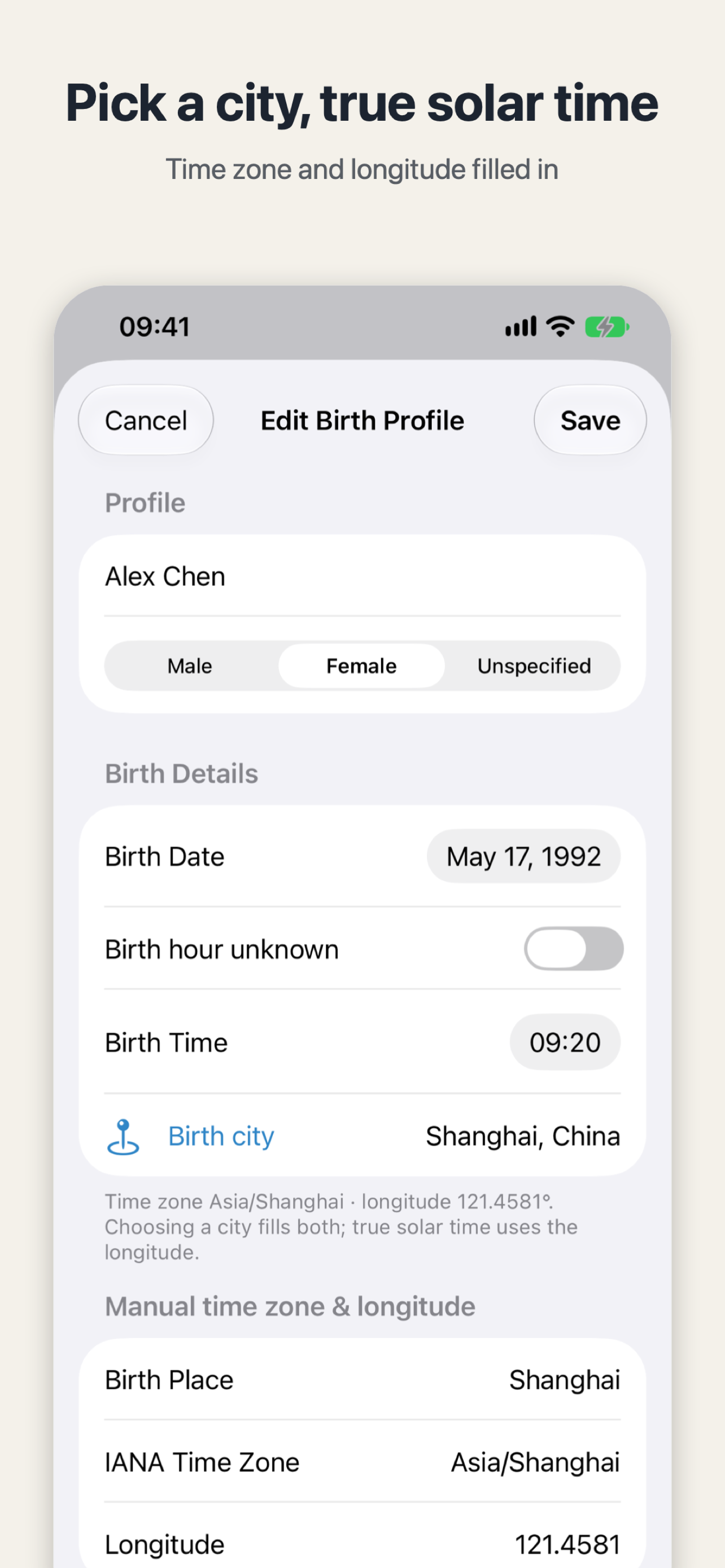
If you know the birth date but not the hour, you are not sent away empty-handed: with the hour unknown, the app still gives you the year, month and day pillars.
Tap a pillar and get a plain-language explanation
Once the profile is saved, the chart still fills the screen — but no memorising the terms first. Tap any pillar and a plain-words explanation of its stem, branch and ten god appears. Zi Wei works the same way: palace details now say what the palace governs and what its main stars mean, and a luck or year pillar, citation chip or reading heading brings a short explanation when tapped.
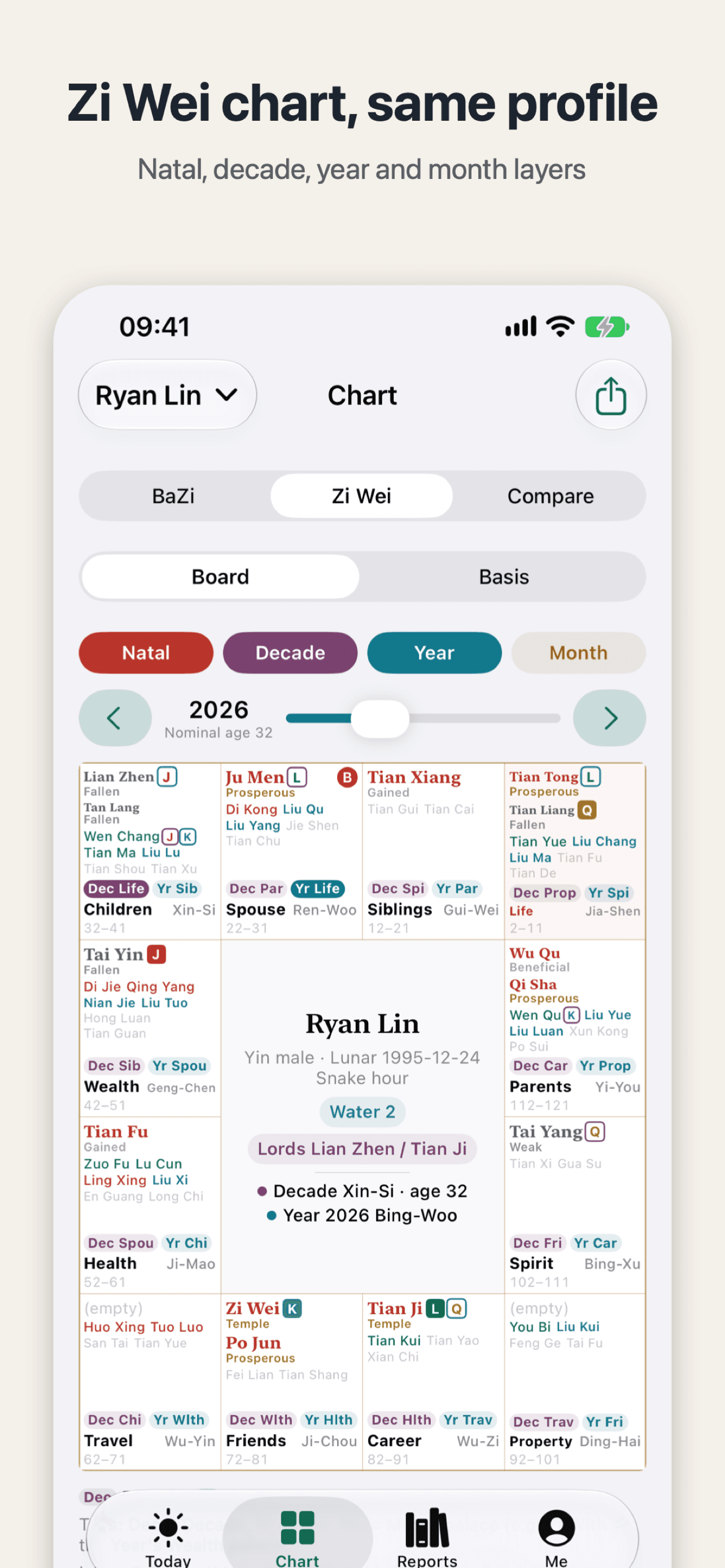
The same profile also gives you the twelve Zi Wei palaces. This post walks through how to read the palaces and their stars — the way in is the same: find the palace first, then look at the main star.
Readings: where to start
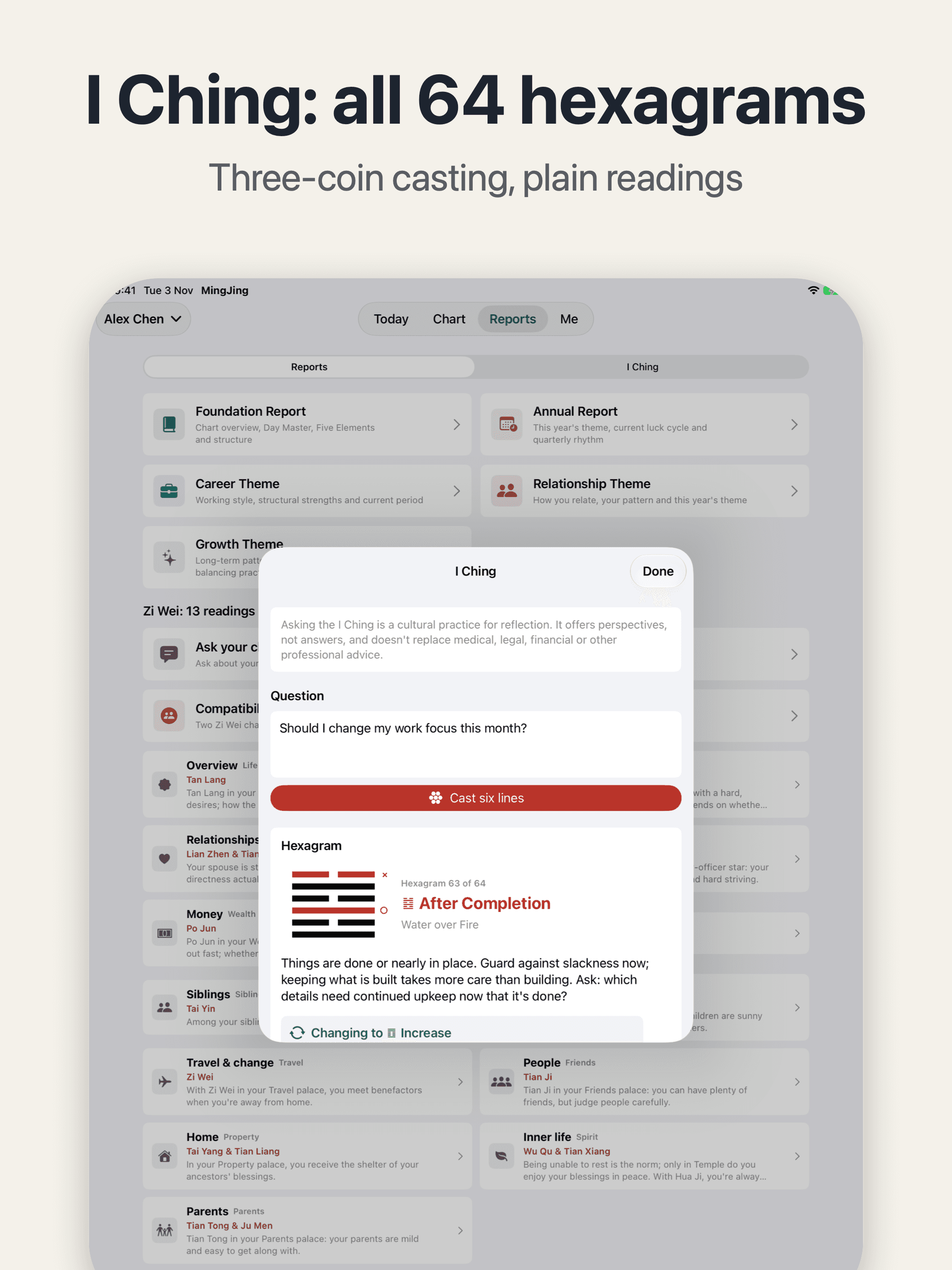
Five plain-language reports wait inside, but the first-timer's problem is knowing which one to open. In 1.4 the readings list marks what is new and what you have read; open a reading and it suggests what to read first, with about how long each takes. Pick a short one, finish it, then decide whether to keep going.
The Today page is tidier too: after an overnight break it is back on today, with a Today button if you pick another date. Switching family profiles highlights whose chart you are looking at, so you do not read the wrong person's chart.
A few smaller fixes
A few quiet changes you will meet every day: VoiceOver now reads each pillar as one item; larger text wraps instead of shrinking; and clearing all data has its own page, asking you to type your profile count first, so a stray tap cannot wipe everything.
MingJing presents traditional structure for cultural interest and self-reflection: it describes tendencies, makes no decisions for you, and is no substitute for professional advice. Version 1.4 leaves those rules alone — it only shortens the walk for someone opening the app for the first time.
Next step: update to 1.4, create a profile, then tap the day pillar and start with your Day Master.

MingJing
A free, offline BaZi chart and report app that shows how every result was calculated.

 Scan with your iPhone