App updates3 min read
Continue Listening to the Bible Where You Fell Asleep
Restful Scripture 1.4 adds a Last night button: open the app the next day and tap once to resume exactly where you fell asleep. While the sleep timer runs, the screen dims to just the time left and the verse being read.
You wake up in the middle of the night. The phone is dark, the earphones are quiet, and you know you were somewhere in Psalm 91 — but which verse? The next evening you either start the chapter over or drag the progress bar and guess. Falling asleep to the Bible is easy; picking up where you fell asleep is the part that never worked. Version 1.4 is built for exactly that moment.
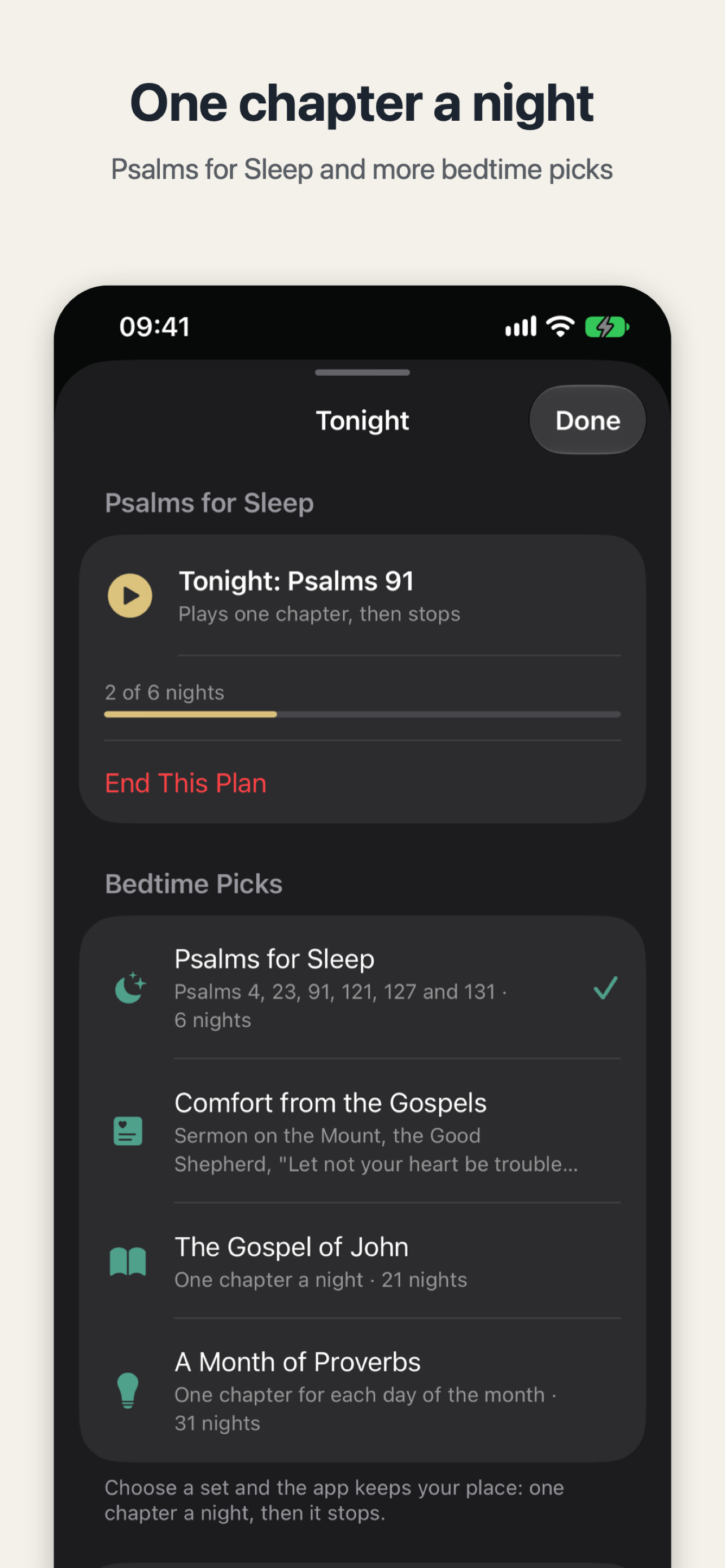
Out on 16 November, Restful Scripture 1.4 adds four things: a Last night button, a night screen that dims while the sleep timer runs, search, recent chapters and favourites in the library, and Siri and Shortcuts that can start a passage for you. The bedtime routine itself barely changes — you still pick a chapter, set a timer, and lock the screen.
How do I continue listening to the Bible where I fell asleep?
Open the app the next day and tap Last night. That is the whole move: no remembering the chapter, no dragging the progress bar. The app already keeps your place down to the paragraph, so it resumes from the paragraph where you drifted off — nothing skipped, nothing replayed from the start.
Why does the screen go dark when the timer runs?
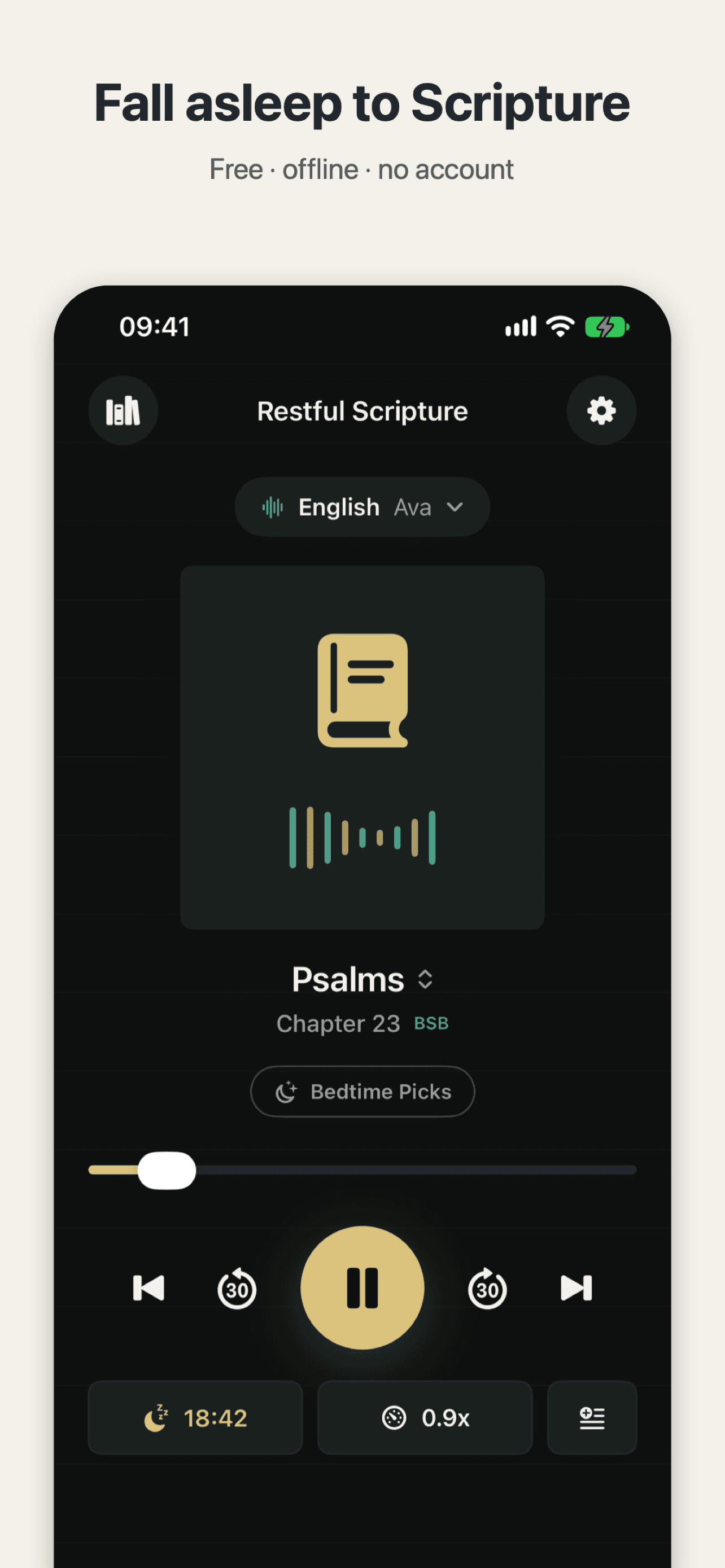
Once you set the sleep timer, the screen dims after a few seconds to just two things: how much time is left, and the verse being read. If you open your eyes at 3 a.m., the glow does not wake you up properly, and you can still check how long is left without lighting up the whole screen.
The timer itself is unchanged: 15 to 120 minutes, any custom length from 5 to 180 minutes, or the end of the chapter, with a fade of 1, 3 or 5 minutes. Lock the screen and the narration keeps going; a call pauses it and it resumes afterwards, and pulling out the earphones stops it.
How do I find a chapter fast?
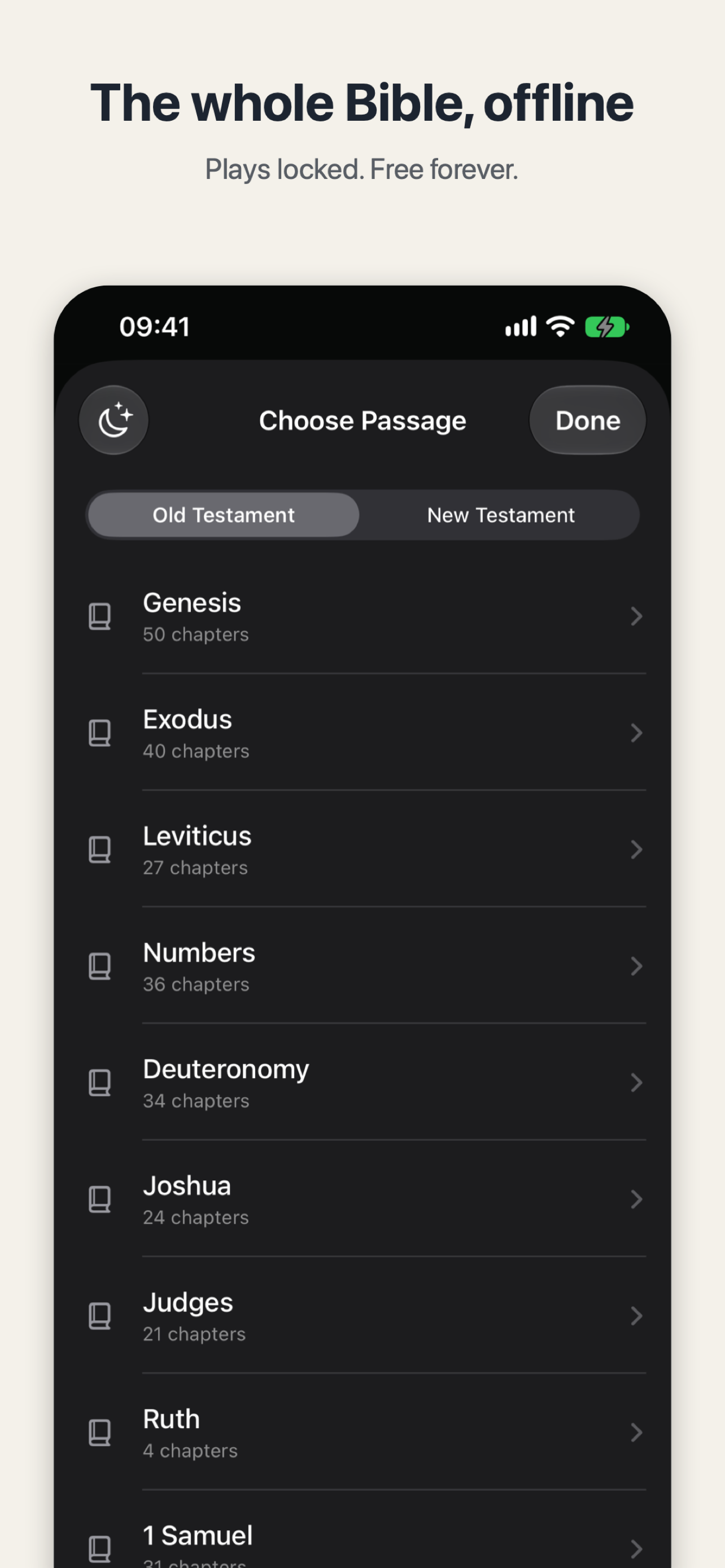
The library can now be searched. Type the name of the chapter you want instead of paging through book after book. Chapters you listened to recently sit at the front, and the ones you keep coming back to can go into favourites, so they are right there the next time you open the library.
Can I start a passage without opening the app?
Yes. Tell Siri "Play a passage in Restful Scripture", then name the chapter, and it starts playing. You can set the same thing up as a Shortcut, so the bedtime phrase is fixed and you do not have to think of it fresh every night.
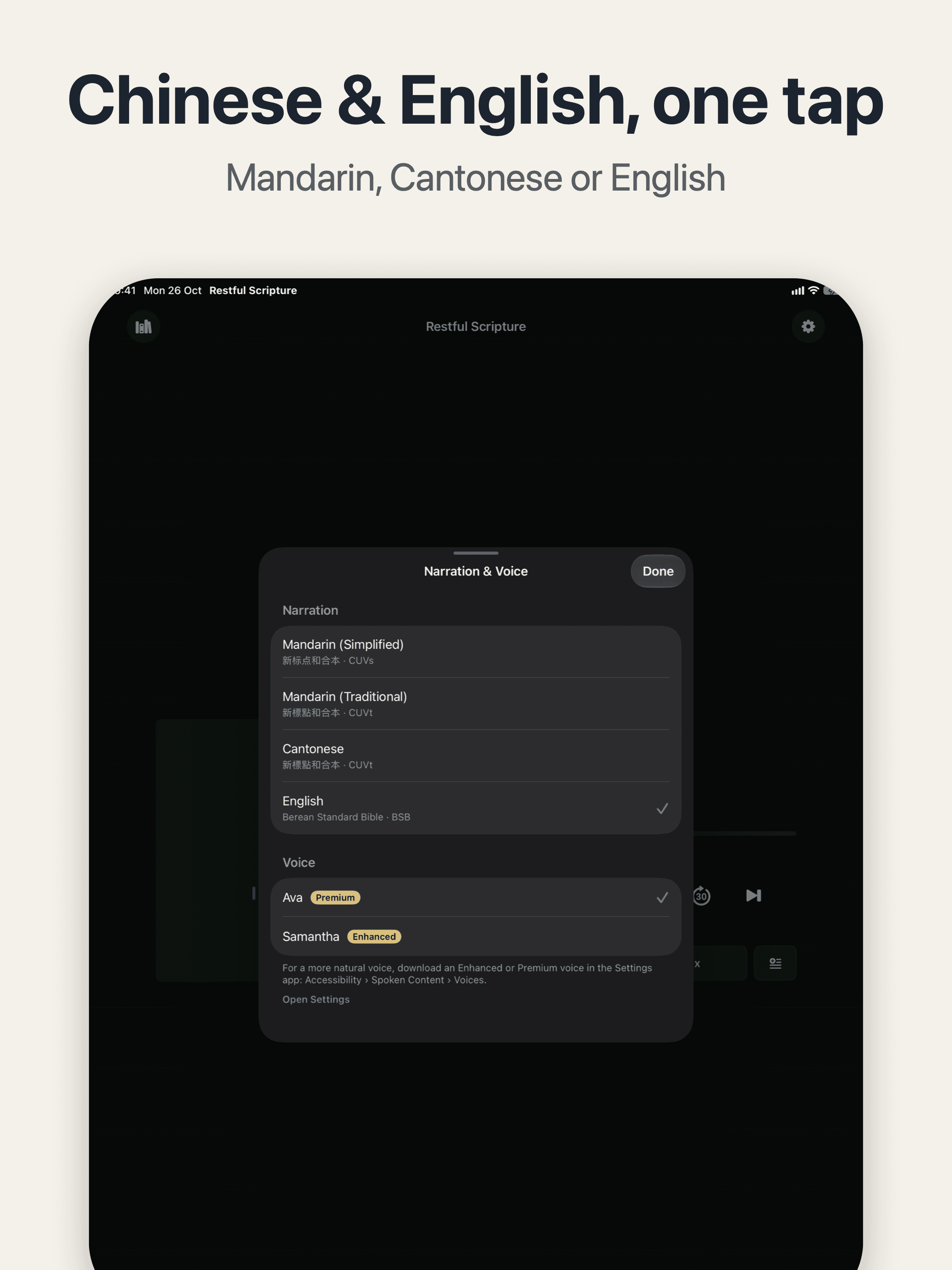
Nothing else about the deal changes: all 66 books and 1,189 chapters live on your device, it works offline, and it stays free forever — no ads, no subscriptions, no account. Try it tonight: play a chapter as usual, and tomorrow don't go hunting through the progress bar. Open the app, tap Last night, and see whether it lands exactly where you drifted off. If the voice isn't right for falling asleep, here is how to choose a reading voice for bedtime Bible listening, and how to pick from the voices in Settings.

Restful Scripture
Fall asleep to Scripture: the whole Bible read aloud in English, Mandarin or Cantonese.

 Scan with your iPhone