App updates2 min read
How to Choose a Reading Voice for Bedtime Bible Listening
Version 1.3 lists every voice downloaded on your device in Settings: tap one to switch, tap the speaker to hear it first. If you only have a basic voice, it walks you through downloading a free high-quality one.
You are in bed, lights off, tonight's chapter queued up. The first sentence comes out and half your drowsiness evaporates. Nothing is wrong with the passage — it is the voice. Every word is perfectly clear and perfectly mechanical, like a manual being read aloud, and the more you listen, the more awake you feel. The fix is not the volume button. It is the voice list in Settings, and knowing how to choose a reading voice for bedtime Bible listening.
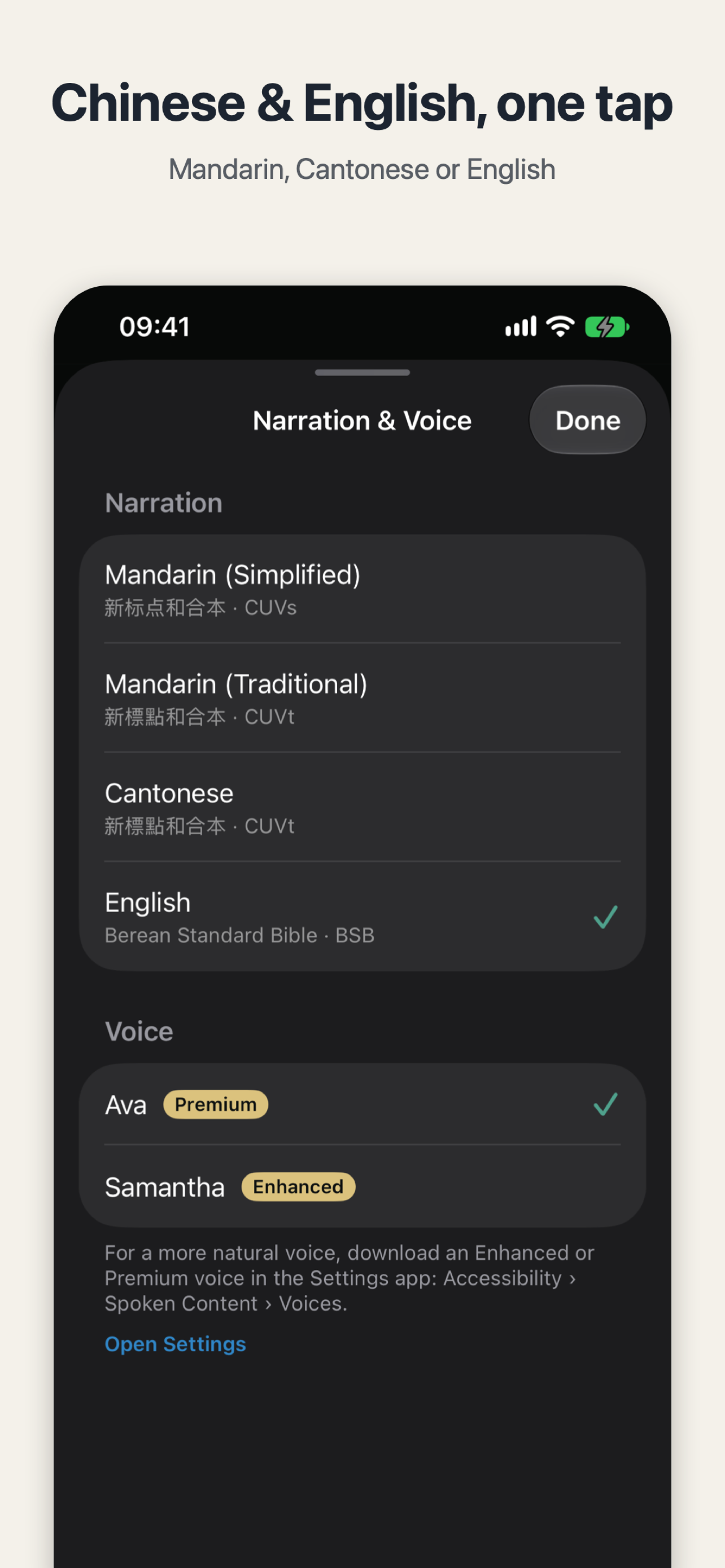
Version 1.3, released 9 November, puts that choice out in the open. Open "Narration & Voice" in Settings and every voice downloaded on your device is on one list. Tap one to switch; tap the speaker next to it to hear a sample first, so you don't have to switch and regret it. Your reading position and settings carry over, so tonight still picks up where you left off.
How to choose a reading voice for bedtime Bible listening
Pick the narration first, then the voice. The top section is narration: Mandarin (Simplified), Mandarin (Traditional), Cantonese, and English — the Chinese text is the Chinese Union Version with New Punctuation, the English is the Berean Standard Bible — and switching languages keeps your place. The section below is the voice, and each name carries a quality badge. Enhanced and Premium sound the most natural; Basic is the one that came with the phone. In the English screenshot the selected voice is Ava, marked Premium, with Samantha below it, marked Enhanced. In the Chinese one, Tingting is selected, marked Enhanced, with Lili below, marked Basic.
Don't guess — tap the speaker and listen for ten seconds. If it sounds low and unhurried, keep it. If it sounds tense, try the next one. What you want at bedtime is a voice your ears can relax into, not an audition.
What if you only have a basic voice?
If the list shows a single basic voice, the page tells you where to find a better one: in the iPhone Settings app, under Accessibility › Spoken Content › Voices, download an Enhanced or Premium voice — Lilian or Ava, for example — free of charge. Come back to Restful Scripture and the new voice is already in the list; nothing to add by hand. The hint is right there under the list, with an "Open Settings" link that takes you straight there.
Version 1.3 also changed how the default voice is picked: robotic novelty voices are no longer chosen automatically. And the release notes leave one more option open: reading Scripture in your own Personal Voice.
Try one thing tonight: open Settings, tap the speaker next to a voice you have never tried, and listen for ten seconds. If it sounds right, keep it. And if a verse catches you before you drift off, you can turn it into a card for someone at home — here is how to make a quiet verse card to send to family.

Restful Scripture
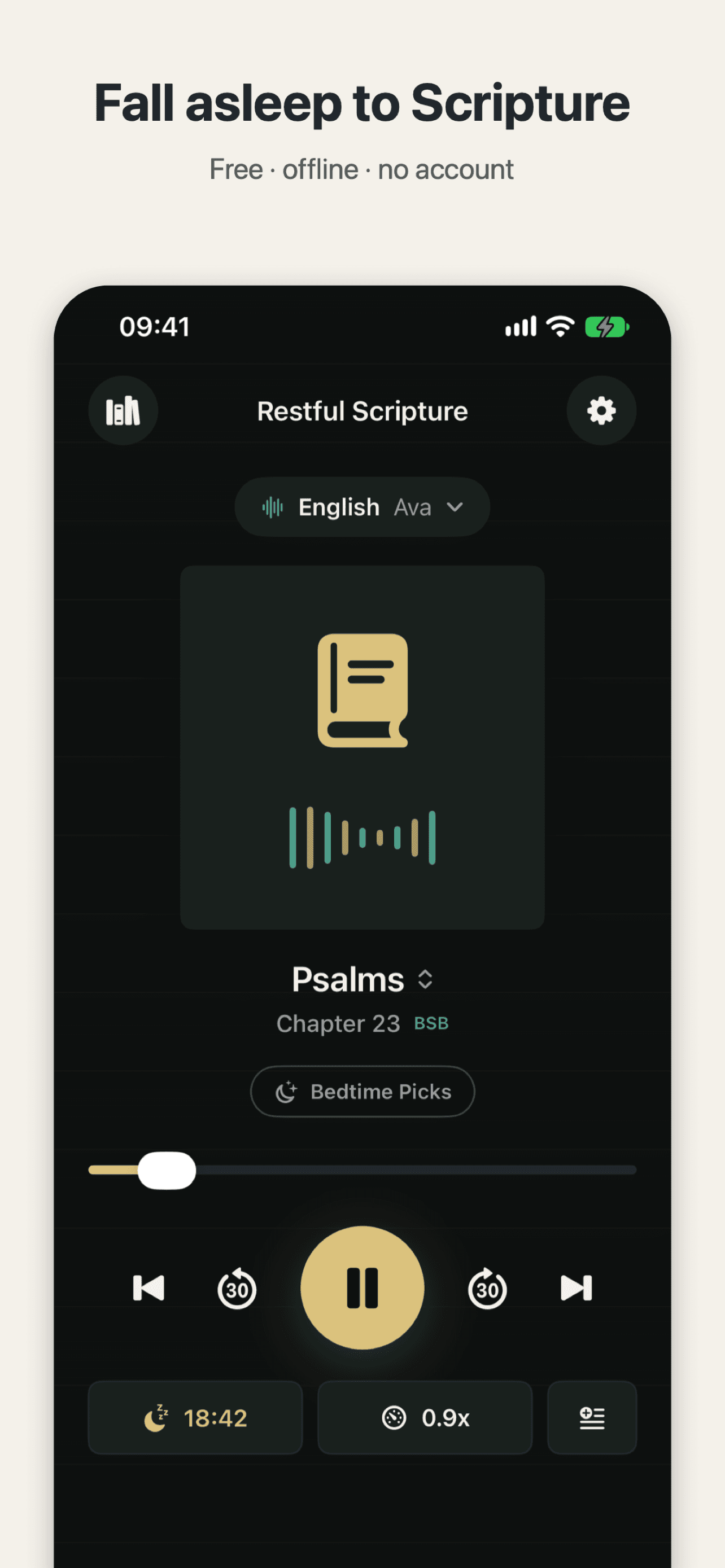
Fall asleep to Scripture: the whole Bible read aloud in English, Mandarin or Cantonese.

 Scan with your iPhone