App updates3 min read
Share Your MicroBrick Score Card With Friends and Start a Friend Duel
Sharing a brick breaker score card with friends is easy now: MicroBrick 2.1 makes a result card when you clear a level, and the friend challenge next to it carries a download link.
You cleared the level. Now you want to show someone
The last brick is gone, the pixel picture stands revealed, and you have a result you are quite pleased with. The first impulse is usually not to start the next level. It is to show a friend. That step used to be awkward: saying "I cleared it, and there were so many balls" does not land, and a plain screenshot shows neither your stars nor your time, so your friend still cannot tell how well you actually played. A brick breaker score card shared with friends would fix this: one picture with the stars, peak ball count and time.
MicroBrick 2.1 turns that step into something you do right after clearing a level. The answer is simple: once you clear a level, the game makes a share card with the board, your stars, your peak ball count and your time. Next to it sits "Challenge a friend", and its link includes a download link, so a friend who has not installed MicroBrick can still join a duel on the same board.
How do I share my MicroBrick score card with friends?
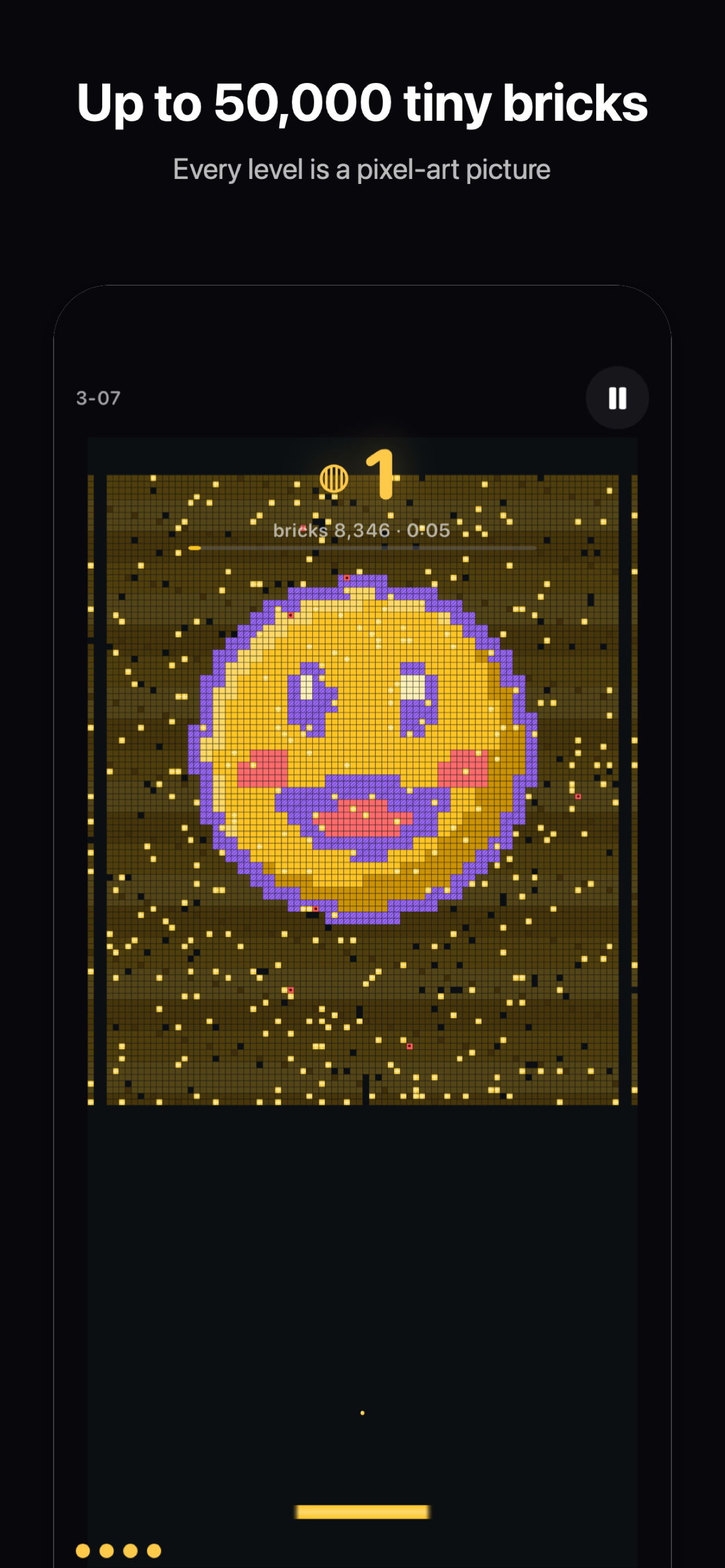
After you clear a level, the share card is right there with your result. Share it, and your friend gets a picture of the run: the board you just played, the stars you earned, the highest number of balls on screen at once during the run — that is the peak ball count — and the time it took you to finish. With those four things on the card, your friend does not need to ask how the level went. The card says it.
The friend challenge sits next to the card. Its link points at the same board, so both of you play the same arrangement of bricks, and the results are actually comparable. Before this, setting up a duel meant first agreeing on which level and which version. Now the link itself settles that.
What if my friend has not installed MicroBrick?
They can still join. The challenge link carries a download link, so your friend opens it, installs the game, and enters the same level. Duels used to stall at the very first step: no game, no duel. Version 2.1 puts the download inside the challenge link, so you do not need a second message telling your friend to go and search for the game.
One thing is worth stating plainly: a duel means the same level, not each person playing their own progress. You play the same board, and the stars, peak ball count and time sit side by side. That is what makes it a duel.
What is on the score card?
The board picture is the pixel art of the level itself, the way it looks once cleared, so your friend can see at a glance which level you played. The stars are your result for that level. The peak ball count deserves a sentence of its own: in MicroBrick there is no ball limit, and one ball can split into hundreds, thousands and more, so the peak ball count is the most balls that were ever moving at once during your run. It is not just for show, either: your ball count drives the score multiplier, so the number is tied to your score. The time is simply how long the level took. Put together, the four items let a friend understand the run without opening the game.
If you want to see how another app update post handles a single change, read how MingJing 1.1 fixed an overseas solar term problem. That post is about a different app's specific fix, written the same way: one change, talked through properly.
Try it tonight
Tonight, do just one thing: clear a level, send the share card to a friend you usually talk games with, and tap the friend challenge next to it. Whether they accept the duel does not matter yet. Let the card explain your result first, and the door to the duel is open.

MicroBrick
One ball becomes millions. Clear pixel-art pictures made of up to 50,000 tiny bricks.

 Scan with your iPhone