App updates2 min read
Chinese Character Flashcards With Pictures for Kids in Hanzi Grove 2.3
Chinese character flashcards with pictures for kids work better picture-first: in Hanzi Grove 2.3, every card carries a hand-picked illustration, so a child sees the meaning before memorising the shape.
Start With the Picture, Not the Stroke
After dinner, a child points at a card and asks what the character means, and the parent has no scene to point to. That is where many first attempts at Chinese stall: the character sits alone, with nothing to attach it to. Chinese character flashcards with pictures for kids fix that first step by giving the child something they already understand, then placing the character inside it.
The direct answer is simple: in Hanzi Grove 2.3, character cards now come with hand-picked illustrations. Each picture shows the character together with a word or a short sentence, plus pinyin, the meaning, and a button to hear it read aloud in Mandarin. Pinyin, for a newcomer, is the roman-letter spelling that shows how a character sounds. The child is not asked to memorise a shape first; they understand the picture, then connect it to the character.
How to Use Picture Flashcards in One Short Round
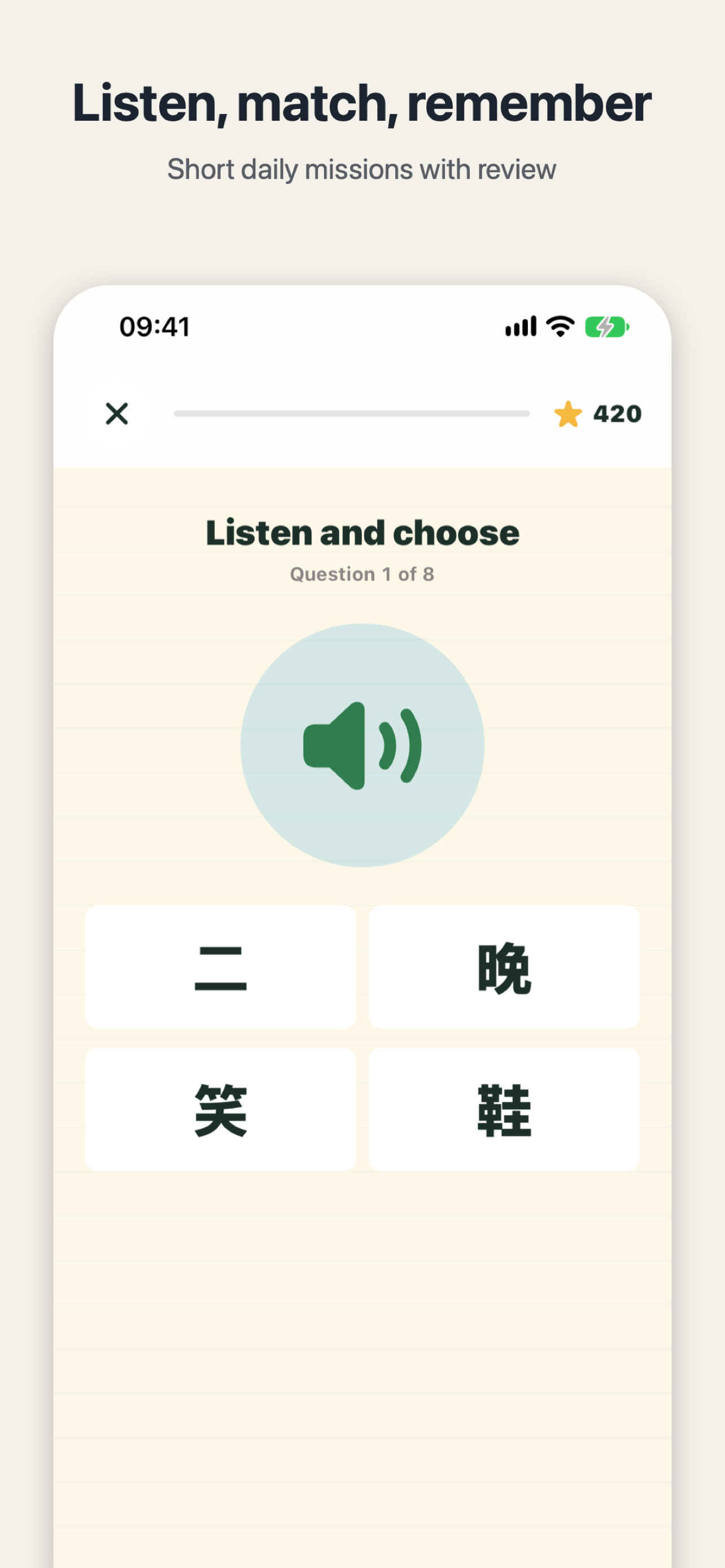
Open a card and ask the child what is happening in the picture before you point at the character. Then show the word, play the read-aloud, and let them say it once. Picture, character and sound land together, which is the whole point of the round.
Practice now shows the picture again after each answer, so the character a child has just answered comes straight back into view instead of disappearing to the next question. A new question type follows the same idea: fill in the gap in a picture's word or sentence. The blank is not a memory test; the child looks at the picture for a clue, then chooses the character that fits.
What Is Free, and What Membership Adds
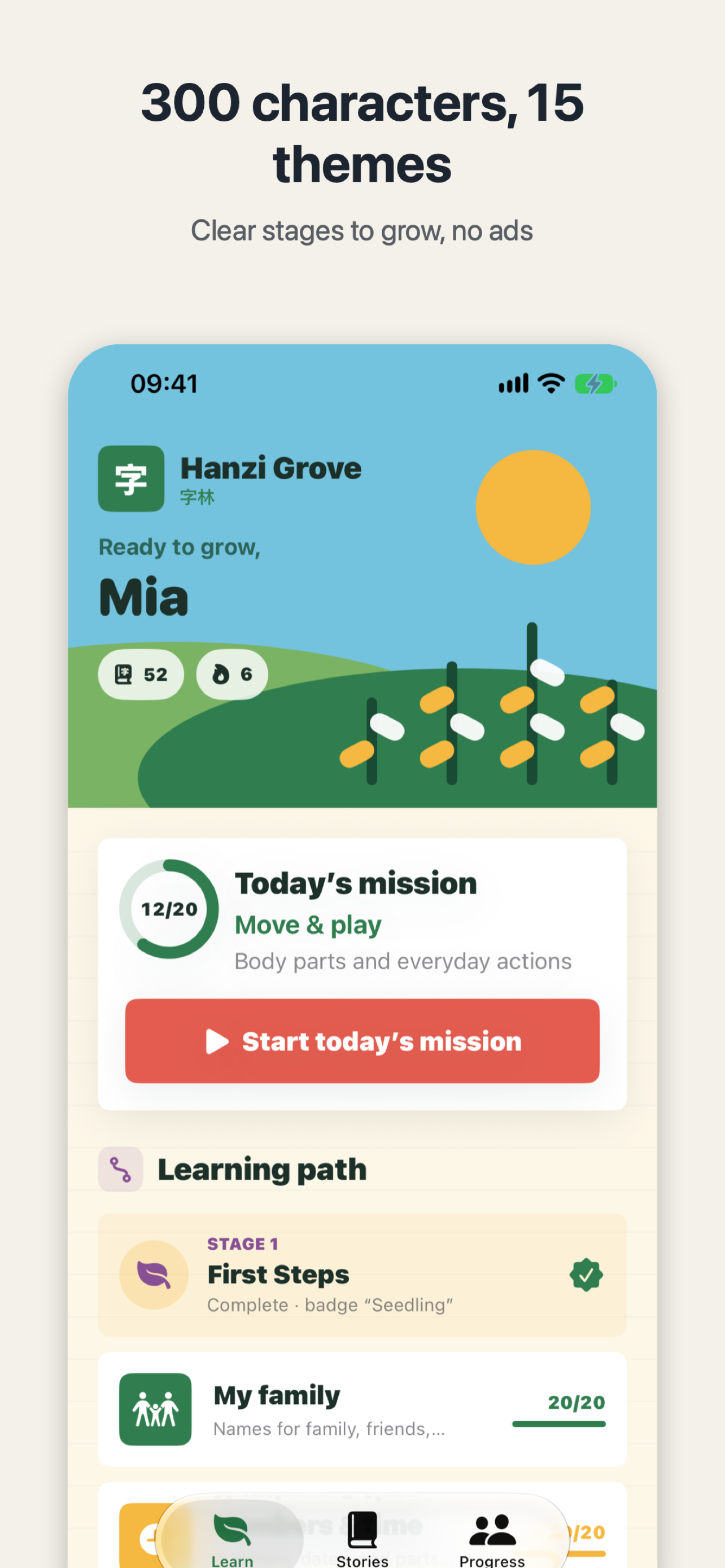
Version 2.3 also changes the price of learning itself: all learning is now free. Every unit, character card and story is open, so a child can work through the themes without hitting a paywall part-way. The app covers a first set of 300 characters across 15 themes and 21 bilingual stories, with themes such as family, numbers, food, animals, school and festivals — words a child meets at home, at Chinese school and in simple books.
Membership is now for families, not for lessons. It allows up to 3 child profiles, so each child keeps their own progress, plus the full parent report. Learning costs nothing; membership buys separate profiles and a fuller view for parents.
The pictures are built into the app, so they work offline — on a car trip or at home without a connection, practice can still go on. If you want to see how we write about one concrete change in another app, our earlier update post explains how MingJing 1.1 fixed an overseas solar-term problem.
Try One Thing Tonight
Tonight, do just one thing: pick a theme your child already knows, such as food or animals, open one illustrated card, and let them describe the picture before they read the character. Recognising one character this way is worth more than reciting a whole page of them.

Hanzi Grove
Read your first 300 Chinese characters with stroke-order cards, pinyin, review and 21 bilingual stories.

 Scan with your iPhone