
Live captions
Everything said in Zoom, Teams, Meet or any other call becomes text as it's spoken. Recognition runs on your Mac; audio is never uploaded.

Mac app · One-time purchase
提词翻译官 PromptInterpreter
PromptInterpreter is a small panel that floats over your call: live captions of what people say, instant Chinese translation, and when you're put on the spot, a short reply from Claude you can say out loud.
Pay once, use forever. One key works on 2 Macs.
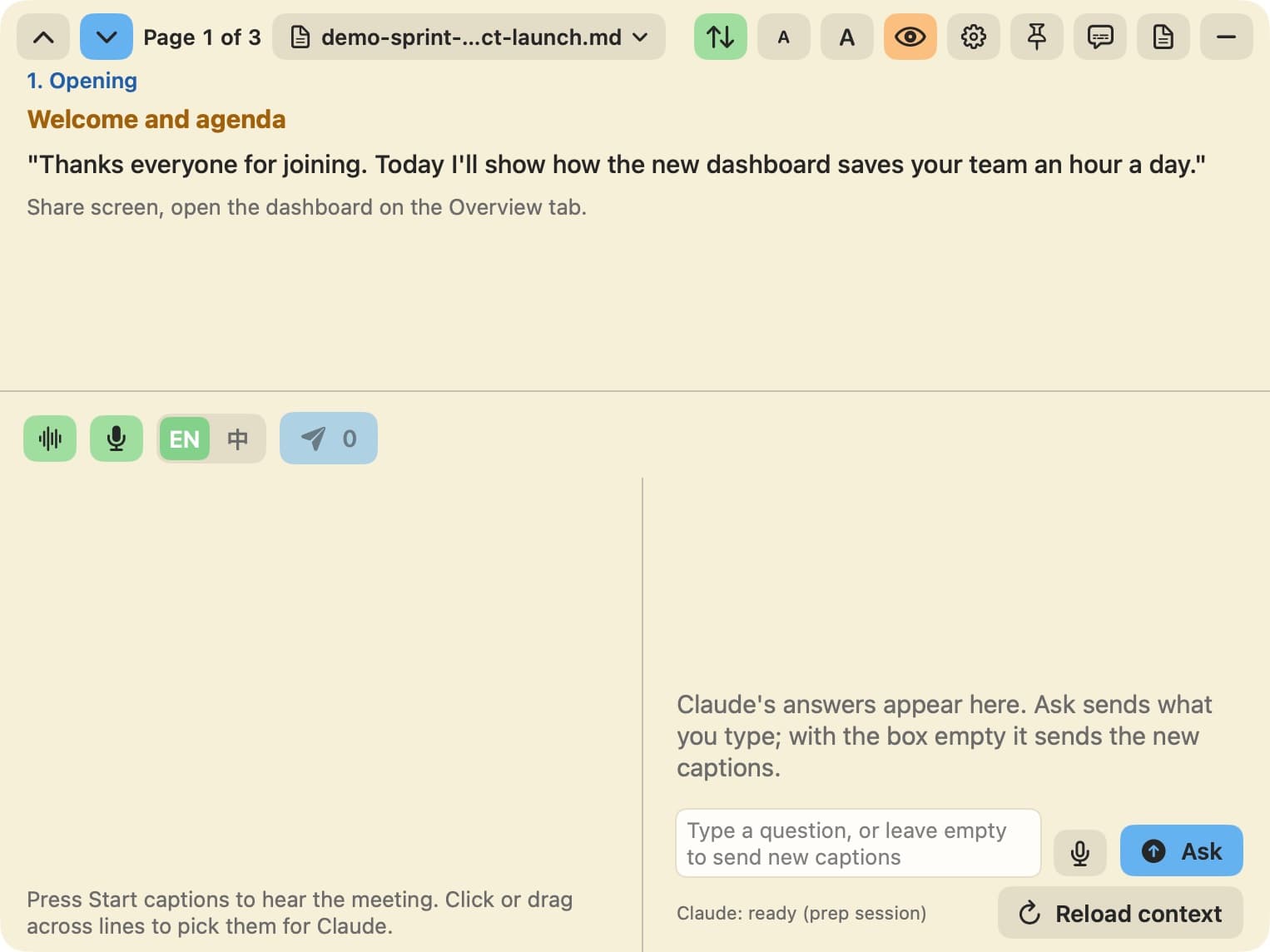
Everything said in Zoom, Teams, Meet or any other call becomes text as it's spoken. Recognition runs on your Mac; audio is never uploaded.
Every caption line is translated as it appears, so a missed sentence is never lost. Speak Chinese yourself and see it in English.
Stuck on a question? Pick the lines and tap send. Claude replies with one to three plain English sentences to say, plus the Chinese meaning.
Giving a demo? Your Markdown script shows a page at a time; arrow keys turn pages without leaving the call.
Pay once, use forever. One key works on 2 Macs.